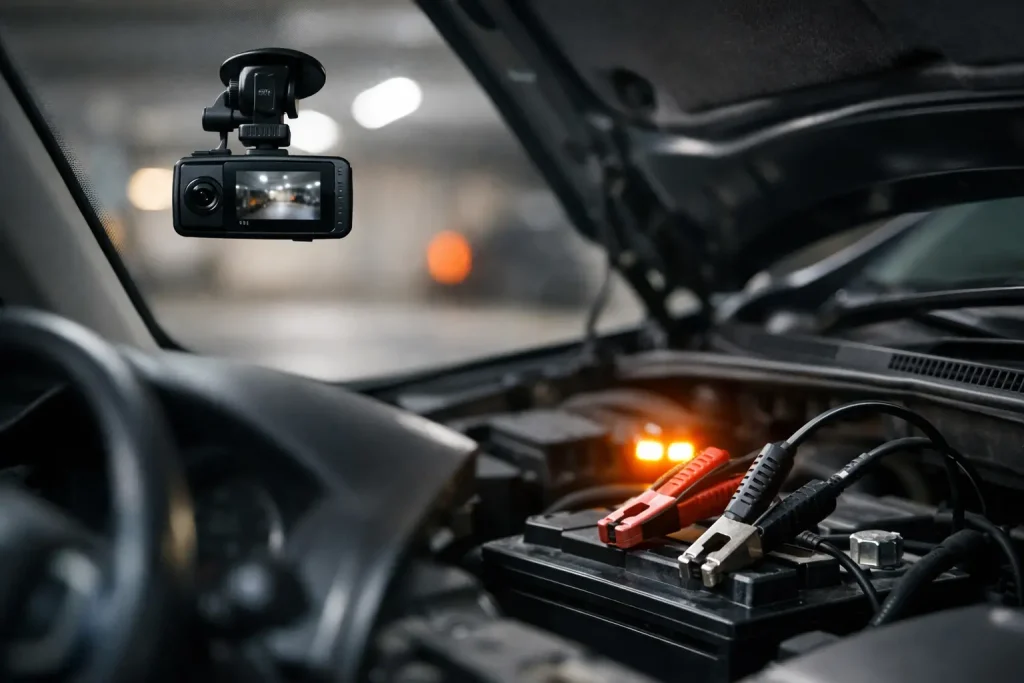
A dash cam is there to protect you when something goes wrong, not leave you stranded on the drive. So, can a dash cam drain battery? Yes, it can – but a properly selected and professionally fitted system should manage its power use safely and switch off before it puts your vehicle’s ability to start at risk.
The concern usually comes from parking mode. Unlike a dash cam that only records while you are driving, a parking-mode camera can remain on standby after the ignition is off. That is useful if someone clips your car in a car park, damages a van overnight or tampers with a trailer. It also means the camera needs a controlled source of power.
Can a dash cam drain battery in normal use?
When a dash cam is powered from an ignition-switched supply, it turns on with the vehicle and turns off when you remove the key or switch the ignition off. In this setup, it should not continue using power while the vehicle is parked. Normal driving use is therefore very unlikely to flatten a healthy battery.
The situation changes when the camera has permanent power for parking mode. It will draw a small amount of current while monitoring for movement, impact or motion. Modern dash cams are generally efficient, but any electrical device left connected to a 12V battery will take some charge over time.
Whether this becomes a problem depends on several factors: the condition and size of the battery, how often the vehicle is driven, how long it is left standing, the camera’s power consumption, and whether a low-voltage cut-off has been fitted. A car used every day may have no issue at all. A second car, weekend vehicle, camper or work van parked for a week or two needs more careful consideration.
Why parking mode is the main consideration
Parking mode is one of the best reasons to have a dash cam. It can record evidence when you are nowhere near the vehicle, which is particularly valuable for cars parked on busy streets, vans carrying tools and vehicles left at train stations, retail parks or worksites.
However, not all parking modes work in the same way. Some cameras record continuously at a lower frame rate. Others use time-lapse recording, while many wake up only when their built-in G-sensor detects an impact or their motion sensor sees activity. A camera that is mostly asleep and only records when needed will normally use less power than one recording all the time.
The right setting is a balance. Continuous recording may capture more detail, but it uses more battery capacity and storage. Impact-only recording uses much less power, but it may miss activity that happens without a noticeable knock. For most motorists, motion or impact-triggered parking mode provides a sensible middle ground.
Cold weather makes weak batteries show themselves
A dash cam does not usually create a battery problem from nowhere. More often, it exposes a battery that was already ageing, undercharged or struggling in cold weather. Battery performance drops as temperatures fall, while starting an engine requires more effort. Short journeys can make matters worse because the alternator may not have enough time to replace the charge used during starting.
If your vehicle has begun turning over slowly, warning lights have appeared, or the battery is several years old, do not assume the dash cam is the sole cause. The battery and charging system should be checked before relying on parking mode for extended periods.
The safest way to power a dash cam
For simple recording while driving, a camera can be powered from a suitable ignition-switched supply. For a neat installation, this is often hardwired rather than left dangling from a 12V socket. The wiring is concealed, the socket remains available for other equipment, and the camera starts and stops with the vehicle.
For parking mode, the usual answer is a hardwire kit with an adjustable low-voltage protection unit. This connects to a permanent live feed, an ignition-switched feed and a proper earth point. The kit monitors battery voltage and cuts power to the dash cam once the battery reaches the selected threshold.
That cut-off point matters. It preserves enough battery charge to start the vehicle rather than allowing the camera to run until the battery is flat. Some systems also offer a timer, so parking mode stops after a chosen number of hours even if the voltage remains above the limit.
A professional installation is not simply about hiding cables. Modern vehicles have sensitive electrical systems, multiple control modules and fuse circuits with specific functions. Connecting the camera to the wrong circuit, using an unsuitable fuse tap or fitting a poor earth can cause faults, unreliable operation or unnecessary battery drain. Vehicle-specific wiring knowledge makes a real difference.
Consider an external dash cam battery pack
An external battery pack is another good option for drivers who need longer parking coverage. It charges while the engine is running, then powers the dash cam separately once the ignition is off. This takes the main vehicle battery out of the equation for a set period.
It can be particularly useful for vans parked overnight, vehicles with frequent stop-start work, or owners who want parking recording without relying on an older starter battery. There is an extra initial cost and the pack still needs correct installation, but it can offer useful reassurance where long-term parking mode is needed.
Signs your dash cam setup needs attention
A healthy system should work quietly in the background. If you notice a repeated starting issue after the camera has been fitted, it is worth investigating rather than simply turning the camera off.
Look out for a dash cam that stays on indefinitely when it should have shut down, a battery warning message, slow cranking after the vehicle has been parked, recordings that stop unexpectedly, or a camera that restarts repeatedly. These symptoms can point to a low-voltage cut-off setting, an installation issue, a failing battery or an alternator that is not charging correctly.
It is also worth checking the dash cam’s settings after installation. Some cameras are supplied with parking mode disabled, while others may default to a power-hungry recording option. Firmware updates can occasionally alter settings too. A quick check can prevent confusion later.
Practical ways to avoid a flat battery
The best approach is to match the setup to how you use the vehicle. If you drive daily and mainly want footage on the road, ignition-switched power is straightforward and dependable. If you need protection while parked, use a quality hardwire kit with low-voltage protection and choose a parking mode that suits your risk level.
Keep the vehicle battery in good condition, especially before winter. If you only make short journeys, take the car for a longer run when possible or consider a maintenance charger where appropriate. For a vehicle that sits unused for long periods, either disable parking mode, set a shorter timer, or use a dedicated dash cam battery pack.
Avoid relying on cheap universal wiring kits with no voltage monitoring. They may appear to work initially, but they offer little protection for the battery and are not the right choice for modern vehicle electrics.
When professional dash cam fitting is worthwhile
A tidy, reliable installation gives you the benefit of the camera without the worry of trailing leads, occupied power sockets or uncontrolled battery use. At Doncaster Towbars, dash cam fitting can be tailored around the vehicle, the type of parking protection required and the way you use it day to day.
That might mean a simple ignition-switched installation for a family car, a low-voltage protected parking-mode setup for a commuter vehicle, or a more considered solution for a work van. The aim is the same: clear footage when it matters, with wiring and power management you can trust.
If you are unsure whether your dash cam is affecting the battery, do not wait for the next no-start morning. Have the camera’s power supply, settings and the vehicle battery checked together, then choose the setup that gives you protection without compromising reliability.